@vanillagreen/pi-codex-minimal-tools
extensionmaintainedMinimal Codex/OpenAI native tools for Pi: Codex image_generation, view_image, apply_patch
by — · v2.0.2 · published 6d ago
$ pi install npm:@vanillagreen/pi-codex-minimal-toolsSignals
Download trend
No downloads in the last 12 weeks.
README
@vanillagreen/pi-codex-minimal-tools
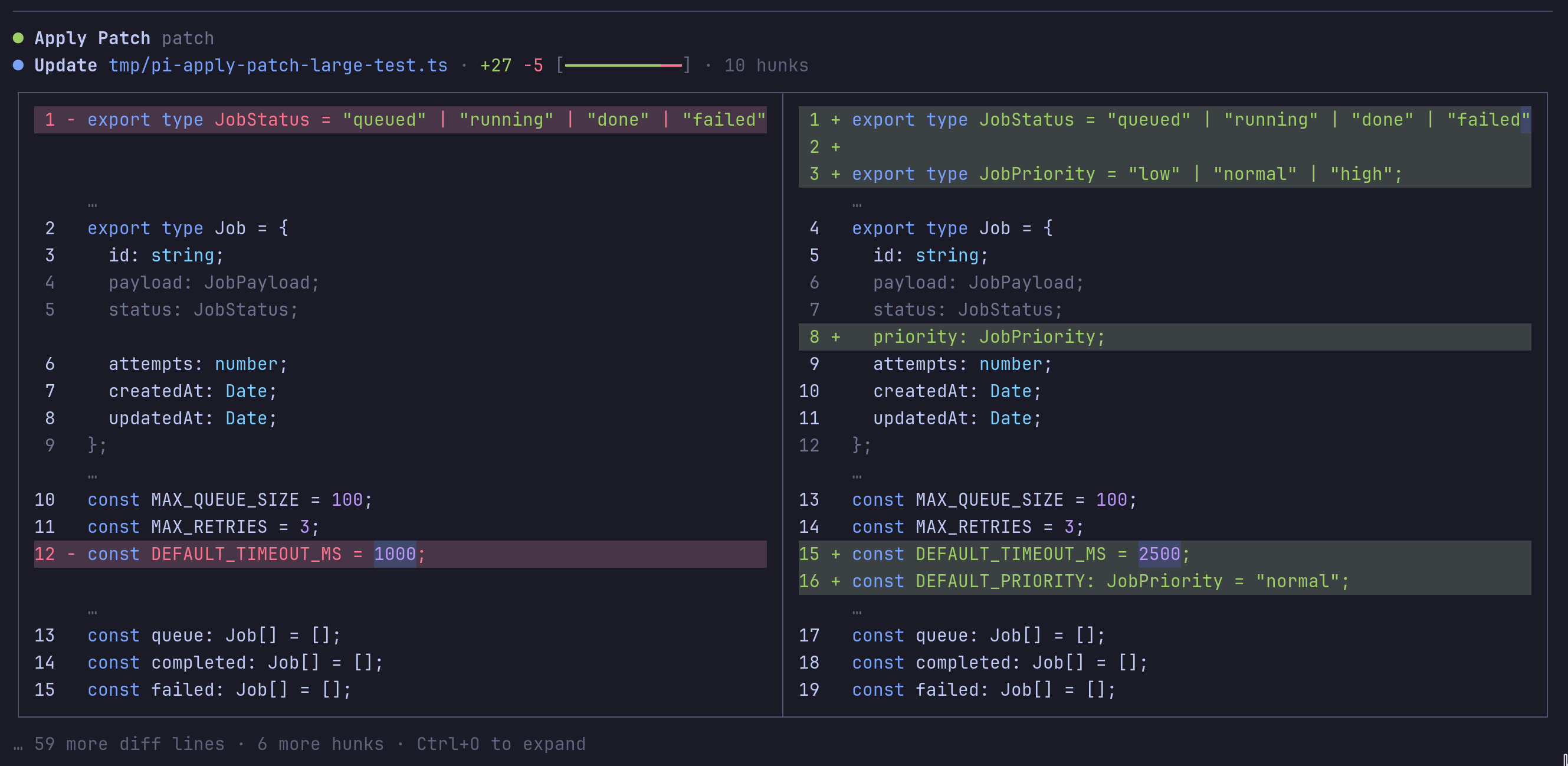
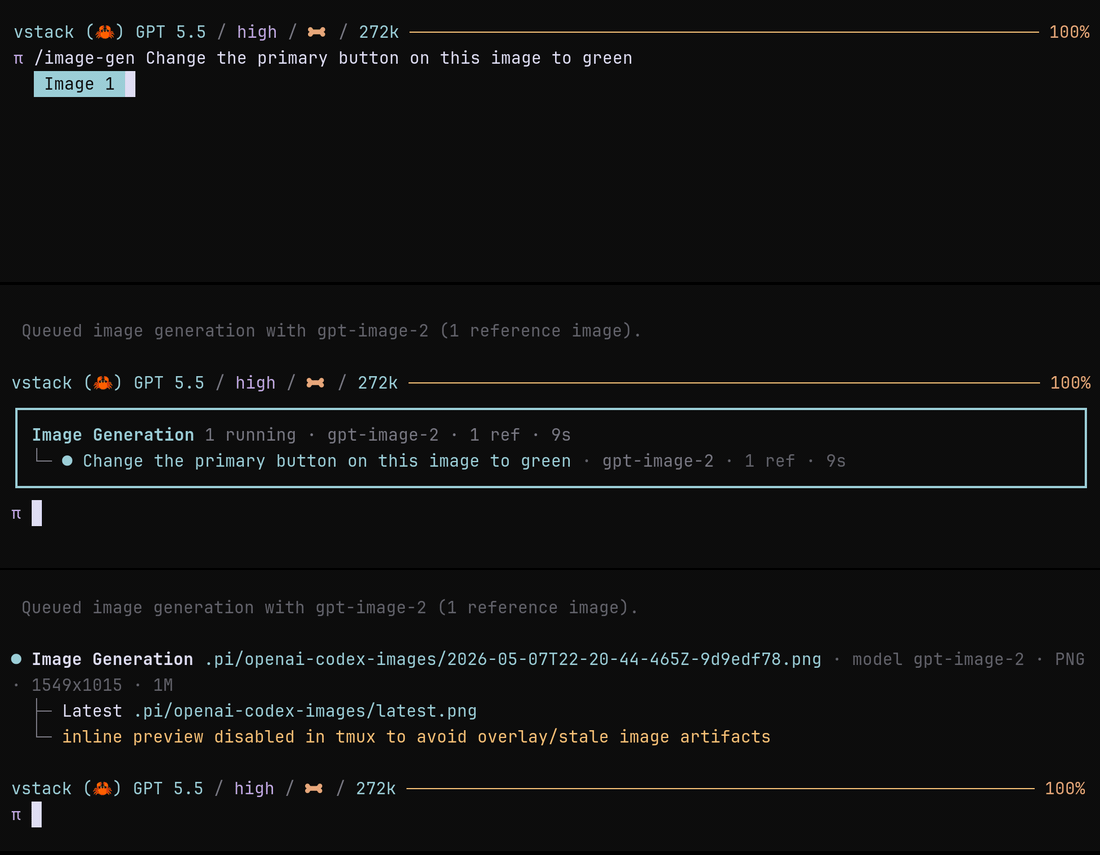
Image and patch tools for Pi sessions using OpenAI or Codex models. It adds image generation, local image viewing and patch editing.
Install
- npm:
pi install npm:@vanillagreen/pi-codex-minimal-tools. - kendex: add the declaration below to the project's
kendex.toml, or to~/.config/kendex/kendex.tomlfor user scope. Runkendex update-pi.
[pi-extensions."@vanillagreen/pi-codex-minimal-tools"]
source = "kendex"
Restart Pi after installation. Use kendex update-pi --check to preview the installation.
Features
- Generate or edit images and display the saved output.
- Run image generation in the background.
- Show a local image to the model.
- Apply patches that add, change, move or delete files.
- Inspect tool availability for the current model.
How it works
The extension checks the selected model and enables supported tools. An image request goes to the configured provider and saves the result in the output directory. An image-view request reads a local file into the model context. A patch request updates workspace files and reports the changes.
Settings
The settings editor writes project values to .pi/settings.json. The default user file is ~/.pi/agent/settings.json. PI_CODING_AGENT_DIR changes the user directory. Package values are stored under kendex.extensionManager.config["@vanillagreen/pi-codex-minimal-tools"].
Open /extensions:settings; settings appear under the Codex Minimal Tools tab. Project settings in .pi/settings.json apply only after Pi marks the workspace trusted.
enabled,autoEnable: the package and whether its tools join the active set on their own.nativeProviderTools: the Codex provider shim and the nativeimage_generationrewrite.imageGeneration,imageOutputDir,imageModel,directImageApiFallback: image generation, where images land (relative to the workspace), and the direct Images API fallback, which needsOPENAI_API_KEY.viewImage,viewImageWorkspaceOnly: theview_imagetool and whether it may read outside the workspace.applyPatchEnabled,strictPatchMode,allowAbsolutePatchPaths,deferApplyPatchRendering: the patch tool; strict mode removeseditandwritefrom the active set so every edit goes throughapply_patch.glyphStyle: Unicode or ASCII symbols;pi-tool-renderer's global override wins when set.
Maintainer notes are in DEVELOPMENT.md.